
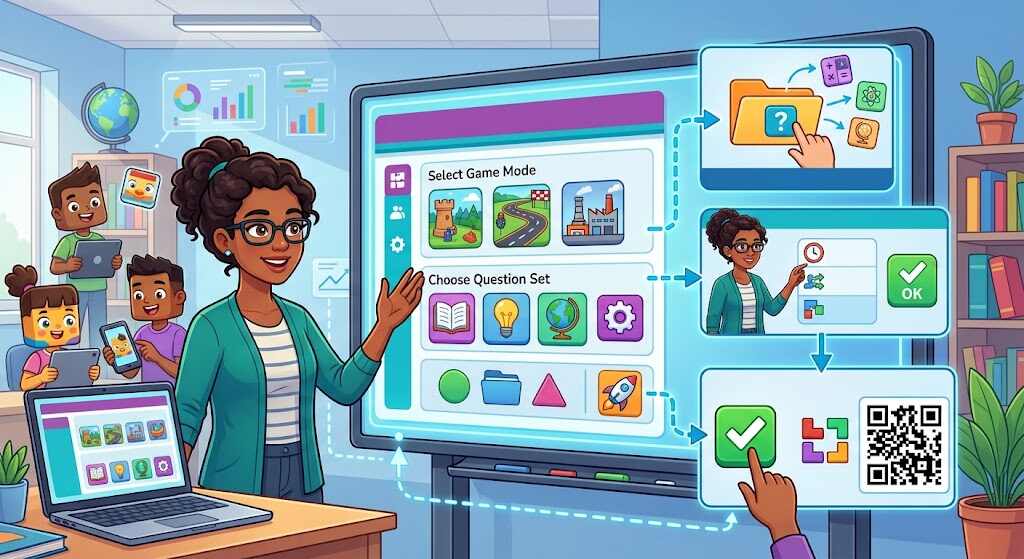
Blooket host features act as the control panel during an ongoing game rather than a standalone app. Whether you are a teacher, tutor, librarian, or trainer looking to host blooket sessions, your role means choosing questions and the game mode, setting rules, allowing access to others, starting the game, and viewing the results. Learners respond from their devices as the host’s screen controls the entire room. The information in this guide has been verified with the help of Blooket’s help pages and classroom comments in August 2026.
What “Blooket Host” Really Means
The host will need an account; on the other hand, players normally won’t have one. Once the set of questions is chosen by the host, the host selects the mode of playing and the settings, after which the system generates a game code, a QR code, and a join link. “Blooket dashboard host” is used to describe the process of using the controls in the Dashboard. “Blooket join host” is used when joining the room of the host, while “blooket play host” or “play Blooket host” can confuse both.
Build the Session Before Students Arrive
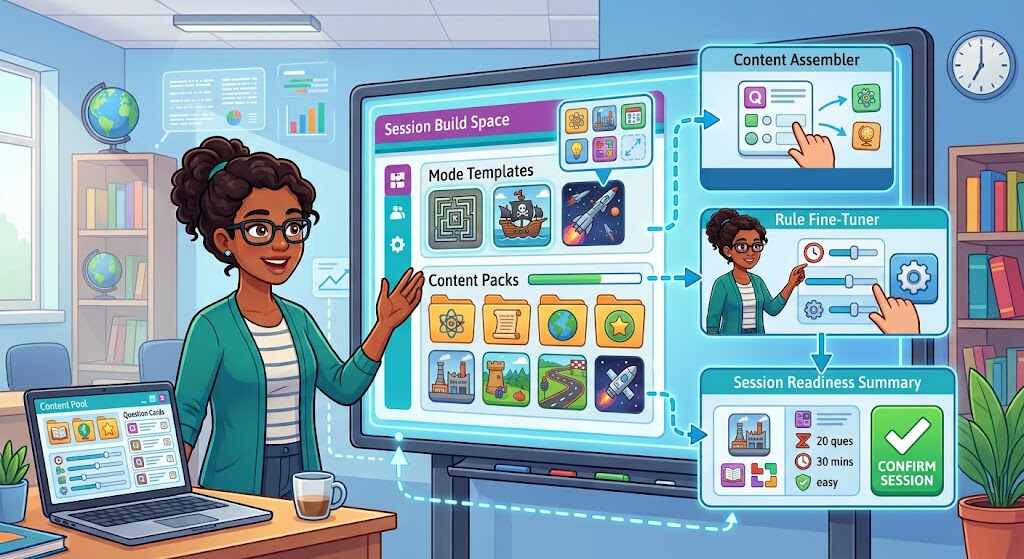
Sign in and select the right set. Go to My Sets, Discover or Create. Preview all the questions, answers, images, and spellings before class because even if it is popular public set, it can be wrong or irrelevant. There are more than 20 million sets created by users available on Blooket, therefore, the verification is part of teaching process.
Go to Host, and choose the live mode. Use the mode card rather than judging by the pictures. The card provides information about pacing, skills, group size, and restrictions. Modes that provide 60 as the limit for the free version and 300 with Plus, do not always have such restrictions, some of them have fewer limits, require Plus, are seasonal, solo or homework.
Set learning environment. Set time or score goal, then configure answer feedback, penalty for incorrect answer, question ordering, late joiners, random names, sound, student accounts, and banned Blooks. Mastery ordering will repeat missed questions, and ordered mode will save your ordering. If you need a calm assessment, mute sound and use initials, otherwise, random names might help with leaderboard anxiety.
Be careful when launching game. Press Host Now only if projector, Internet, and devices are working, share the code, QR code, or the link. The students can go to play.blooket.com and type in the code without the account. Keep the lobby open, remove inappropriate names, confirm the attendance and start the game when everyone who should be present arrives.
Teach while playing, do not just watch. Pay attention to repeated mistakes, pause the game for thirty seconds if required, and do not confuse leaderboard with knowledge. Then, choose the View Report or Dashboard, click History. Record and reteach the missed items; detailed reports and downloads can require Plus.
A Practical Ten-Minute Classroom Example
The students from a science class require an assessment on cell organelles. Write up twelve questions where eight will be retrieval, two will be labeling pictures, and two will be dealing with misconceptions. Select “Classic” for precision, give ten minutes, activate Mastery ordering, and provide late entry for one student who is late. Ensure that the students give their names or initials so that the report is useful. At the mention of “mitochondria” when actually it is “chloroplast,” stop, draw, and move on.
Also Read: Blooket Bot Guide (2026): What It Is, How It Works & Fixes
What Teachers’ Public Experiences Actually Suggest
The public opinions from teachers are enriching and applicable, even though they are just examples and not proofs. For instance, on Ditch That Textbook, a language teacher was mentioned as one who uses vocabulary terms as nicknames, hiding the winner while ensuring the repetition. Another one mentions his attempt to set a class-wide accuracy goal with a reward attached. Another opinion is that the whole class goes through the data collected in the game and practices on the questions which were wrong. The point which was brought up by a commenter was off-task gaming after activities. It is worth remembering as it shows how engagement can work.
Conclusion: Host the Learning, Not the Hype
An effective Blooket host causes the technology to blend into the background. The role of a Blooket host is to confirm the correctness of the questions, to choose an appropriate mode depending on the aim, to make fair rules, to identify possible misinterpretations, and to use the data from the report to plan further steps. In this case, Blooket will not only serve as a distracting reward, but also as a helpful feedback tool for both learners and educators.
Blooket Host FAQs
Do players require accounts?
No. An account is not required since the only purpose of an account is to guarantee personal statistics.
Is hosting free?
Yes. Hosting is free; look at the mode cards to determine what plans can be used and any restrictions on the number of players.
Can players join the game late?
If Allow Late Joining is switched on. Switch it off for more precise control.
What mode is best for beginners?
Beginners will feel at ease with Classic Mode due to its clear points and easy controls.
What should players do after playing the game?
Look through their mistakes, leave your comments, and organize your learning process accordingly. Note that leaderboard position doesn’t reflect comprehension skills.
