
The TV App is a web-based application that offers free TV and sport channels to users but whose lack of proper licensing and constant downtimes makes it an unreliable choice for people who do not use traditional cable services anymore. The TV App is a web-based platform providing over 100 live channels without needing to download any application.
What Makes The TV App Different in 2026?
The first major reason why cord-cutters look for The TV App is convenience. It streams directly via the browser hence can be accessed on the TV screen without requiring the installation of a dedicated application.
This approach is highly significant in practice. Most people just want quick access to sports, news, and live television without having to spend 30 minutes setting up a new app. Television browser streaming through such platforms as Amazon Silk allows for the use of the service without installing an app, although users may often face server buffering, resolution lowering, and off-air channels.
Which Channels and Programs Are Offered Through The TV App?
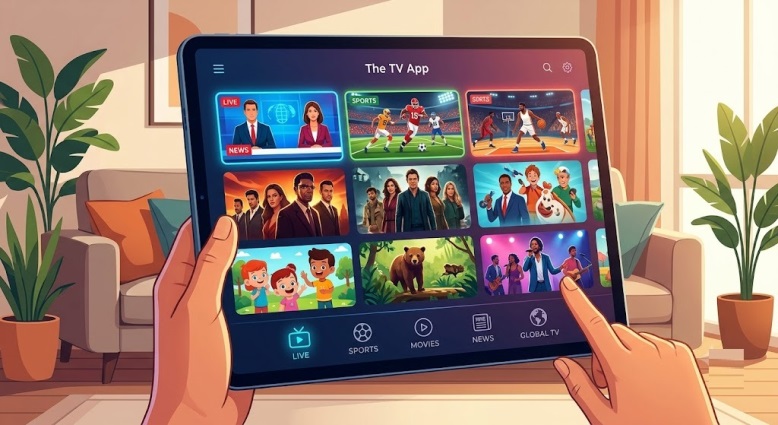
The widespread popularity of The TV App can be explained by the variety of channels on offer. Over 100 live channels are available on the site, which include those that broadcast sports, news, entertainment, and international content.
The TV App meets your needs if you require instant access to live sports and news without having to subscribe to another paid application. And it is frequently associated with free live TV as people tend to combine it with other free applications without having too many of them open.
How to Access and Install The TV App
On web browser
This platform is designed to work inherently through regular desktop and mobile web browsers without downloading files and creating accounts.
On Fire TV or Firestick
If you own Fire TV or Firestick and want to use The TV App, you should be able to use it through a browser. Since the website works using a web browser, there is no need to jailbreak or customize the Firestick device.
Example: if your Fire TV has Silk Browser, it means that this is one of the shortest paths. You should just use the browser to access the app and save the link.
On Android TV or Google TV
As the app is browser-based, Android TV users will use their browsers to access The TV App. Android TV and Google TV devices can gain access to the platform via TV-enabled browsers like TV Bro and Puffin.
Do You Need a VPN for The TV App?
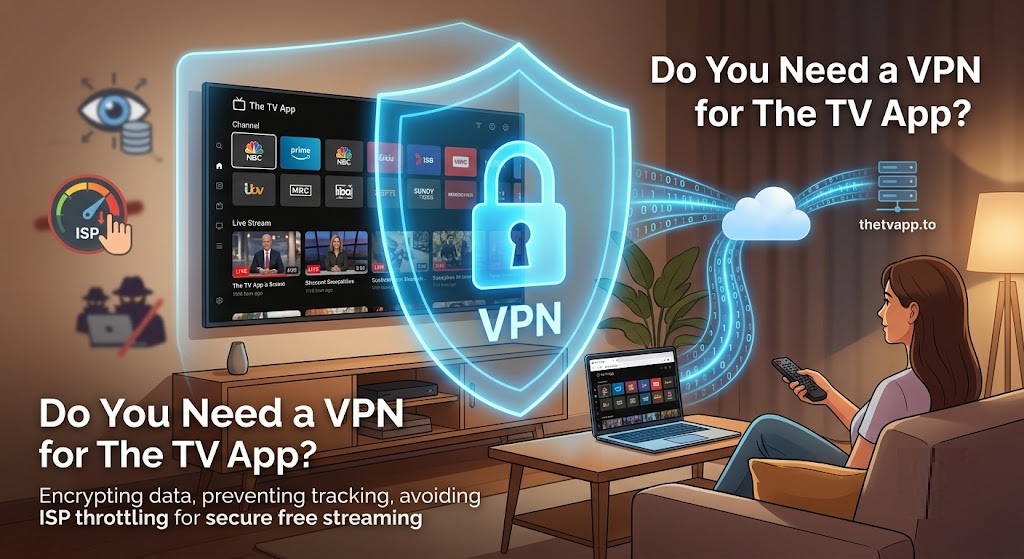
Both security and network throttling should take priority if you are streaming live content via your home network.
A Virtual Private Network (VPN) should be considered to ensure privacy and protect your connection according to FTC online security guidelines. This is because copyrighted channels from cable networks are distributed on this platform through non-verifiable licenses. Consequently, it poses security and possible copyright dangers to stream anything from the platform.
In case you encounter buffering, blocking, or even ISP throttling when streaming online, then using a Virtual Private Network will encrypt your connection and lower network interference.
The TV App vs. Other Free Alternatives
The TV App is not the only streaming service available for free in 2026. Another option is for users to use legal streaming sites like Pluto TV, Tubi, The Roku Channel, and Haystack News.
There is a difference:
- The TV App is for people who are interested in having a cable-like experience while streaming live streams.
- Pluto TV is better for legal and structured channel surfing.
- Tubi is ideal for viewing movies and TV shows anytime.
- Haystack News becomes more fascinating if the purpose of the user is getting news.
Conclusion
The TV App continues to be one of the most searched live free-streaming apps due to the fact that it addresses the issue of needing a quick and flexible access to live TV without any additional monthly fee. In 2026, The TV App continues to be relevant for its user-friendly interface, large variety of channels to watch and ease of trying out the app via a browser. However, the best way to deal with The TV App is being realistic about your needs and expectations, protecting your personal information and having a Plan B such as Pluto TV or Tubi.
FAQs
Is The TV App free?
Yes, The TV App is generally referred to as a free streaming service.
How do you access The TV App?
It can be accessed using ordinary web browsers, as opposed to having to access it via app stores. The system uses standard browser interfaces, thus eliminating the requirement of file downloads or creating an account.
Can you watch The TV App on Firestick?
Yes, Firestick users can stream the site using the built-in Silk Browser.
Does The TV App offer sports and news?
Yes, the platform offers live streaming from sporting networks, national newscasts, and entertainment cable channels.
Is The TV App always reliable?
No. Streams experience frequent downtime, high latency, and sudden channel outages.
