
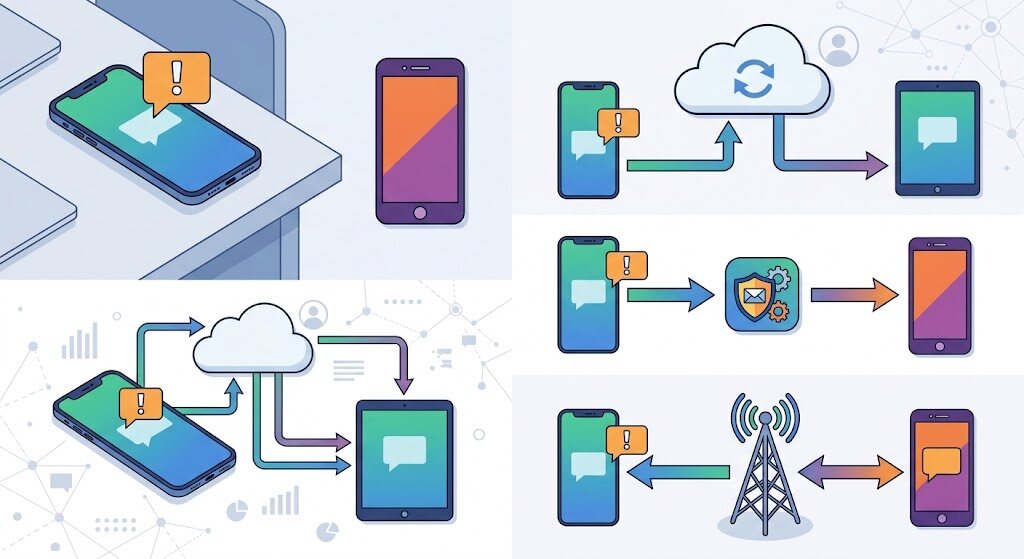
Two phones, one number that matters. The delivery code, the bank OTP, the client asking “still on for 4?” — All the messages land on the phone charging in the room while you hold the work device. The fix sounds simple. Is quietly fiddly: forward text messages from one phone to another automatically, with nothing to babysit. Here is what works in 2026 and what quietly died.
- Can You Forward Text Messages to Another Phone? The Honest Answer
- How to Forward Text Messages on iPhone in Under Two Minutes
- How to Automatically Forward Text Messages to Another Phone Android Users Can Trust
- What Carriers Still Offer, and What Quietly Disappeared
- The Power-User Route: a Virtual Number That Forwards Itself
- What Two-Phone Users Learn the Hard Way
- Consent and Security Before You Flip the Switch
- FAQs
- The Bottom Line
Can You Forward Text Messages to Another Phone? The Honest Answer
Yes, but “forwarding” means three different things, and choosing wrong is why setups fail. Mirroring copies texts to your own devices on the same account. Relaying re-sends each message to a different number as a fresh SMS. Number sharing puts your real line on two devices, so both send and receive as you. Mirroring is free and solid; relaying reaches any phone but rewrites the sender; number sharing costs money.
How to Forward Text Messages on iPhone in Under Two Minutes
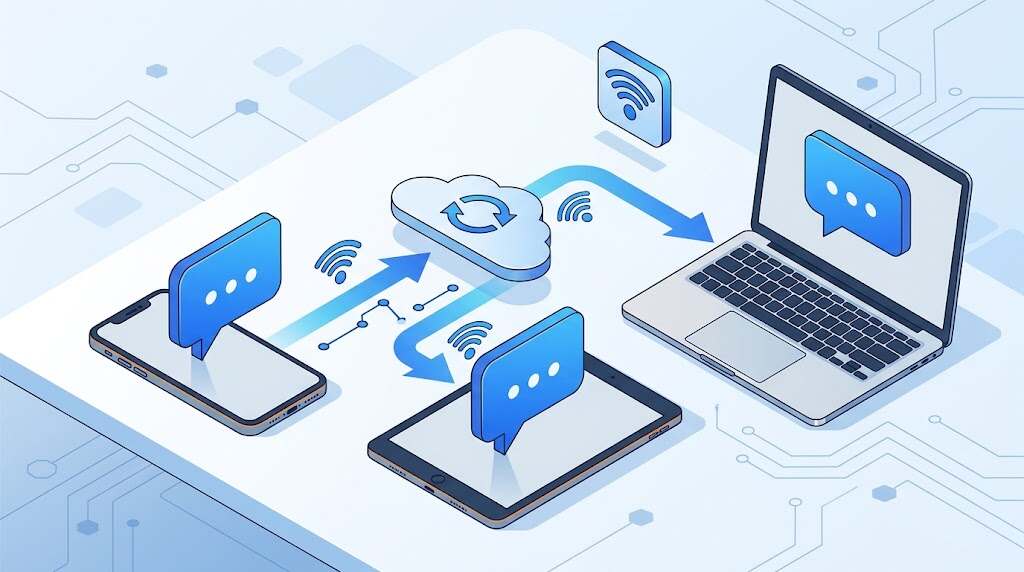
Apple’s Text Message Forwarding is the cleanest route. Sign both devices into the same Apple Account, turn on iMessage, then open Settings, Apps, Messages, Text Message Forwarding and toggle the device you want. Enter the six-digit code it shows and SMS, MMS and RCS start landing on your Mac, iPad or Apple Vision Pro. Menu missing? Switch iMessage off and on, then sign in again under Send and Receive.
The catch: it feeds your devices, not a spouse’s iPhone on a different Apple Account. Phone to phone needs the relay route below.
How to Automatically Forward Text Messages to Another Phone Android Users Can Trust
Android has no native switch, so an app does the work.
- Install a well-reviewed forwarder such as SMS Forwarder, Auto forward SMS or PhoneLeash.
- Create a filter and set the destination: phone number, email, Telegram chat or webhook.
- Leave keywords blank to forward everything, or filter by sender so only bank and OTP texts pass.
- Edit the template so the original sender’s number travels with the message.
- Set the app to Unrestricted battery usage and allow autostart.
Two details separate working setups from ghosts. Apps forward only messages received on the phone where they are installed. And short-code bank texts vanish unless the forwarder is your default SMS app, which gets a delivery broadcast other apps cannot abort.
What Carriers Still Offer, and What Quietly Disappeared
Google Voice killed inbound forwarding to linked numbers after carriers blocked the shadow numbers behind it. Verizon retired Message+ in December 2024, pointing users to Google Messages. T-Mobile DIGITS lives on: one number across devices, or five numbers on one device, with extra lines near $10 a month. AT&T NumberSync covers watches and tablets only, and Samsung’s Call and text on other devices links a Galaxy phone to a Galaxy tablet on one account. Carriers sync your own hardware; none will run an SMS forward to a number you name.
The Power-User Route: a Virtual Number That Forwards Itself
Rent a Twilio number, point its incoming webhook at a Studio flow, and every text fans out to several real phones with the sender’s digits attached. Picture a two-agent property team printing one number on its listings while both handsets light up. It costs pennies and never falls asleep.
Also Read: Message Blocking Is Active: How to Fix This Error Fast
What Two-Phone Users Learn the Hard Way
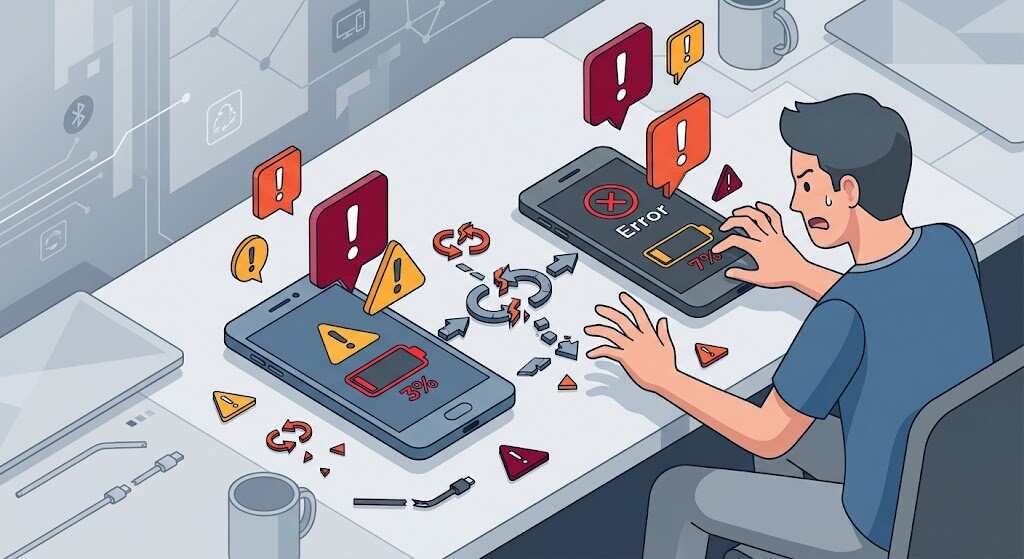
App reviews are blunt. An August 2026 Play Store reviewer said forwarding was easy, “but replying from the receiving phone to the center of the text message was difficult and I never got to work.” That is the relay ceiling: replies leave from the second phone’s number. Paid tools like PhoneLeash, near $1.99 a month, add reply-from-email plus RCS and WhatsApp forwarding. Veteran DIGITS users warn texts do not always sync between app, phone and cloned SIM.
Consent and Security Before You Flip the Switch
Forward text messages from your own line freely. Someone else’s is different: US wiretap law hinges on consent, and a silent forwarder on a partner’s or employee’s phone invites real legal trouble. Relayed codes also sit in plain SMS on a second device, so keep two-factor logins in an authenticator app.
FAQs
Does Android have a built-in way to forward texts?
No. Every automatic option needs a third-party app, a carrier multi-device service, or a virtual number.
Will iMessage and RCS chats forward too?
Apple mirrors SMS, MMS and RCS to your own devices. Relay apps mostly handle SMS and MMS; RCS support is limited and usually paid.
Does it cost extra to forward text messages?
Relayed texts send from your line, so unlimited plans absorb them. Metered plans, international numbers and paid add-ons cost real money.
Why did forwarding stop after a few days?
Battery optimization suspended the app. Mark it Unrestricted, enable autostart, and re-check after system updates.
Can the second phone reply as my number?
Only with number sharing such as DIGITS, a second eSIM on the same line, or a virtual number.
The Bottom Line
If both devices are yours and share an ecosystem, use the free built-in mirror and stop shopping. To forward text messages to a phone you cannot sign into, use a relay app, make it the default SMS app, take it off battery optimization, and send three test messages over 24 hours before trusting it. If uptime is worth money, pay for number sharing instead of hoping an app stays awake. Decide once, deliberately, and your second phone stops being a blind spot.
