
A failure occurs in your message, and now your phone displays “Free Msg: Unable to send message – Message Blocking is active.” The situation does not necessarily mean that the receiver blocked you since there can be many other factors behind this message. In most cases, the notification generated by the carrier indicates that the SMS or MMS you tried sending was either blocked through an account, suspended line, lack of credit, incorrect SIM, contact block, or provisioning issue. If your phone suddenly displays the ‘unable to send message – message blocking is active’ error, your first step is to analyze the exact scale of the issue.
Identify whether messages get blocked or not first
Send a plain SMS text—no pictures, links, emojis, or group chats—to two different people on different carrier networks. Now, give a call to one person and test mobile data.
- Only one contact fails: If messages cannot be sent to one of those contacts only, then check the number and country code of the particular contact and the blocking lists of both the devices. The network provider might also have blocked that number.
- Everyone fails: If messages cannot be sent to all, it is possible that there is some problem in the line, plan, SIM, network outage, or message block by the provider itself.
- Texts work, but photos or groups fail: If messages with photos and groups cannot be sent but simple messages work, then you need to concentrate on mobile data, MMS, APN settings, and photo attachment size.
- iMessage or RCS works, but SMS fails: When iMessage/RCS works but SMS does not, then internet messaging works, whereas messages sent via provider do not work.
These tests will help identify why the message blocking happens in one specific message thread but not the other one. According to the guidelines provided by T-Mobile, if there is a problem in messages sent to a particular person, then it might be because of the blocking list of the particular person.
Also Read: Server IP Address Could Not Be Found: How to Fix It Properly
The Quick, Right-Order Fixes
1. Confirm service
Get service working again by paying all outstanding bills, adding to prepaid balance, and making sure SMS/MMS is included in the package. Visit the website of the mobile provider and remember that an inactive account cannot be fixed inside Messages settings.
2. Remove blocks at both levels
Unlock the blocked contact in the Phone and Messages app. Afterward, check your mobile operator’s app or online account dashboard to ensure that none of the options such as “Family safety setting,” “Spam Filter,” or “Block Message” is mistakenly turned on.
3. Refresh the connection
Switch Airplane mode on and off and reboot the device. Put the physical SIM into the slot only after the power-off of the device.
4. Verify the sending line
In dual-SIM devices, pick the active SIM for sending SMS messages. If you’ve changed eSIM or transferred number, make sure the carrier has activated everything successfully.
5. Update, then simplify
Install updates of the device, mobile carrier settings, Google Messages, and Carrier Services application. Set the built-in messaging app as the default one, clear cache of the app on Android, and send a simple message without links.
6. Reset network settings last
As a last step, reset network settings. It will wipe saved Wi-Fi networks and related connection information, so better to save them before. Don’t do factory reset, because it seldom helps with an account-side block.
Also Read: How to Quickly Clear DNS Cache in Google Chrome (2026 Guide)
iPhone and Android: Use the Correct Controls
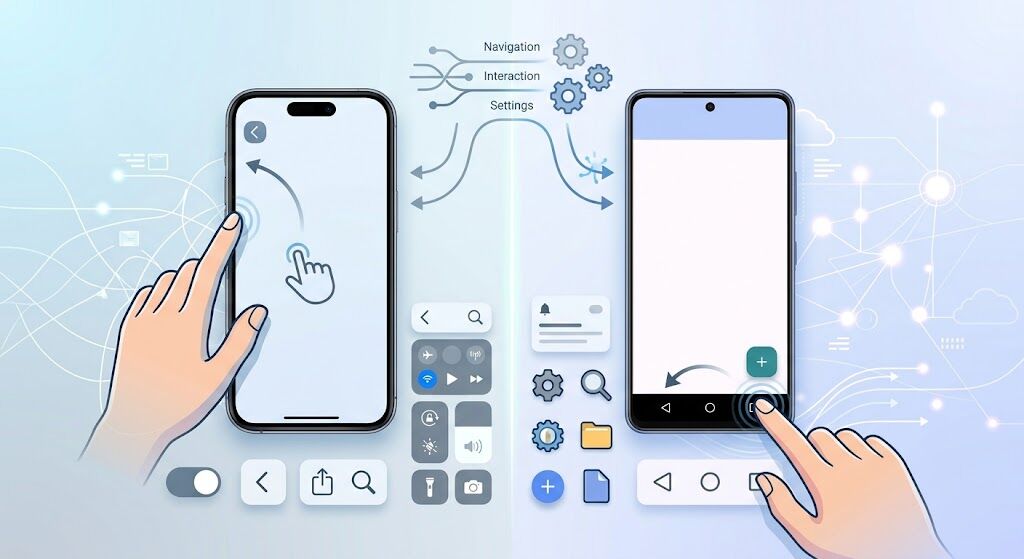
For iPhone, go to Settings > Apps > Messages. Ensure that the information in the Send & Receive section is right, and then turn the iMessage on and off, allow Send as Text Message, and see the MMS / RCS settings offered by your carrier. As per the June 2026 recommendations by Apple, SMS needs cellular service unless it is being sent through Wi-Fi Calling. So if you have issues with SMS, MMS, and RCS, the blame goes to your carrier.
For Android, choose Google Messages as your default SMS app, select your relevant SIM card, and check the settings for Messages > RCS chats. If SMS does not work even after trying the above, you need to temporarily switch off RCS and try again. For short codes, go to Settings > Apps > Special app access > Premium SMS. Google mentions that Android might block premium replies through the OS.
These steps will guide you about disabling your messages block on your mobile phone. If the message stating that the message can’t be sent is showing up despite all the above steps, the issue is with someone else’s system.
Real Customer Experiences Point Beyond the Phone
Customer forums provide helpful information for troubleshooting. For example, in one specific post on the Apple Support Community, an owner of an iPhone from T-Mobile could receive iMessages but was unable to text Android users, and it was due to the “Block Messages” option in their account. The names on the menu may vary now, but the main idea is obvious – a device can work perfectly, but the line can block SMS.
In the case of Android devices, a person experienced many resets, updates, changing SIM cards, Airplane mode, etc., with no effect. It shows that it is pointless to keep working with the phone settings in vain when the message blocking feature is enabled for all contacts.
Call the Carrier With This Exact Checklist
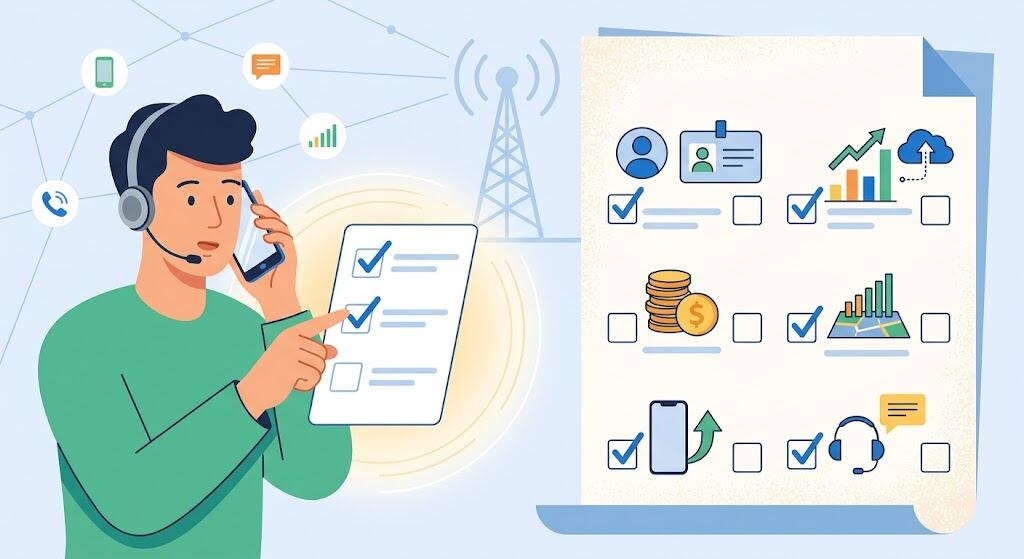
Ask for help in checking out the blocking of outbound/inbound SMS/MMS messages, line provisioning, messaging entitlement, parental control settings, short-code restrictions, anti-spam policies, number porting, and SIM registration. Get a reprovisioning followed by a reboot. Identify if this issue affects individual numbers, all numbers, or just short codes, because proof is better than stating, “My messages are not working.”
Conclusion: End Message Blocking Active for Good
When message blocking is turned on, start with diagnostics before resetting. Remove all device and account blocks, and confirm the provisioning with the service provider. Error messages like “can’t send message,” “message blocking is on,” and “free msg can’t send message” should lead to proper route handling, and not to factory resetting of your working phone.
FAQs About Message Blocking Active
Does message blocking active imply that my contact has blocked me?
Not necessarily. If the message does not go through for one specific person, it could mean your number is blocked by them. But if the message does not go through for everyone, then the problem could be with your cellular line or network carrier.
What is the meaning of “Unable to send message: blocking is active”?
The SMS/MMS was not delivered due to some restrictions and provisioning issue on your network.
How can I stop message blocking instantly?
Unblock all the contacts that are giving this issue, disable carrier settings and check payments; finally, ask for SMS reprovisioning.
Why does “free msg unable to send message” occur for short codes only?
Consider Premium SMS permission in Android and your carrier’s short code policy.
Can WiFi solve the issue?
Yes, but for data messaging only if not done via Wi-Fi Calling.

2 thoughts on “Message Blocking Is Active: How to Fix This Error Fast”